
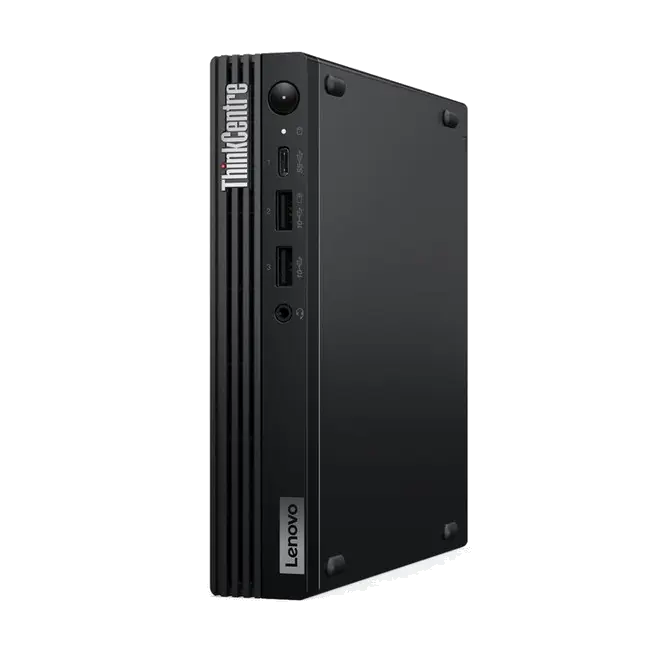
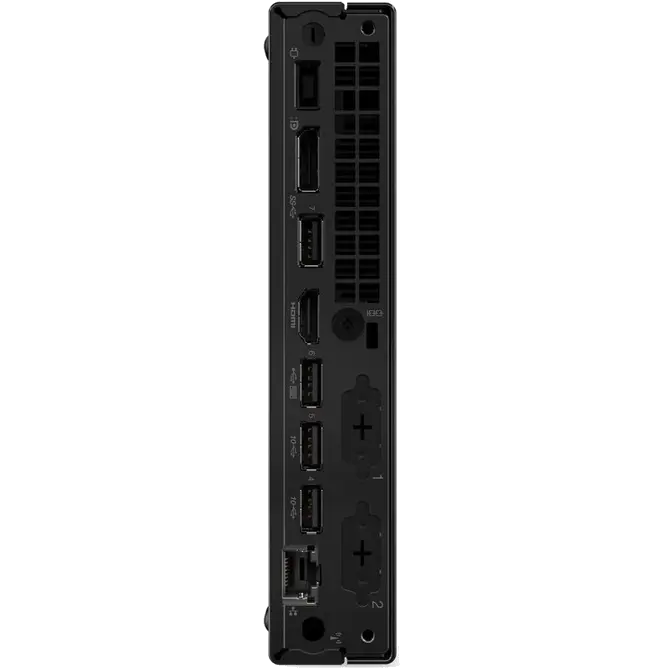
Lenovo ThinkCentre M70q Gen 5 i7 32GB/1TB Tiny Desktop Win11 Pro (12TD002EAU)
$2,409.00
AUD · Including GST
Key features
ThinkCentre M70q Gen 5 Tiny configuration with Core i7, 32GB memory, 1TB SSD and Windows 11 Pro. A compact desktop for an office that needs more multitasking headroom.
Available to order
Secure PayPal and card payment available at checkout.
Need advice? Contact the PCLINE team →
Is this the right choice for your setup?
The Lenovo ThinkCentre M70q Gen 5 12TD002EAU pairs the listed 32GB memory and 1TB SSD configuration with a Tiny chassis. It is worth considering when an office desktop needs to handle a busy mix of browser tabs, documents and business applications without taking up tower-PC space.
Where it fits
Use it for an established office workstation, a home office with several active applications or a desk where space matters. Its integrated graphics suit productivity displays; check demanding 3D, CAD or gaming requirements against the software vendor’s guidance rather than assuming an i7 makes it a graphics workstation.
Compatibility & setup
Match the complete part number 12TD002EAU, not just M70q Gen 5, when comparing configurations. Check the listed HDMI and DisplayPort connections against your monitors and cables. The front USB-C port is listed for data and charging, so do not assume USB-C monitor video support. Tiny PCs use compatible SODIMM memory rather than full-size desktop DIMMs.
Need help matching your equipment? Ask PCLINE about this product.
Manufacturer references: Lenovo M70q Gen 5 platform specifications · Lenovo 12TD002EAU model reference
Explore other options: Lenovo ThinkCentre neo 50q G5 i5 16GB/512GB Tiny Desktop Win11 Pro (13B9005EAU) · HP Elite Mini 800 G9 i5 16GB/512GB Mini Desktop Win11 Pro (A41KCPT). Compare each device’s role and configuration before choosing.
A branded desktop for business applications, everyday productivity and office work, with the configuration listed below.
Manufacturer model: 12TD002EAU.
Hardware & configuration
| Brand | Lenovo |
|---|---|
| Manufacturer model | 12TD002EAU |
| Processor | Intel® Core i7-14700T, 20C (8P + 12E) / 28T, Max Turbo up to 5.2GHz, P-core 1.3 / 5.0GHz, E-core 0.9 / 3.7GHz, 33MB Intel Smart Cache |
| Graphics | Integrated Intel® UHD Graphics 770 |
| Chipset | Intel® Q670 Chipset |
| Memory | 2x 16GB SODIMM DDR5-5600 |
| Memory Slots | Two DDR5 SODIMM slots, dual-channel capable |
| Max Memory | Up to 64GB (2x 32GB DDR5 SODIMM) |
| Storage | 1TB SSD M.2 2280 PCIe® 4.0×4 NVMe® Opal |
| Power Supply | 135W 89% Adapter |
| Form Factor | Tiny (1L) |
| Dimensions (WxDxH) | 179 x 182.9 x 36.5 mm with rubber feet (7.05 x 7.2 x 1.44 inches with rubber feet) |
| WLAN + Bluetooth | Intel® Wi-Fi® 6 AX201, 802.11ax 2×2 + BT5.2 |
| Ethernet | Integrated 100/1000M |
| Front Ports | 1x USB-C® (USB 5Gbps / USB 3.2 Gen 1), with 5V@0.9A charging 1x USB-A (USB 10Gbps / USB 3.2 Gen 2), with Always On and 5V@2.1A charging 1x USB-A (USB 10Gbps / USB 3.2 Gen 2) 1x headphone / microphone combo jack (3.5mm) |
| Rear Ports | 1x USB-A (Hi-Speed USB / USB 2.0), with smart power-on 1x USB-A (USB 5Gbps / USB 3.2 Gen 1) 2x USB-A (USB 10Gbps / USB 3.2 Gen 2) 1x HDMI® 2.1 TMDS 1x DisplayPort™ 1.4a (HBR2, DSC) 1x Ethernet (RJ-45) |
| Operating System | Windows® 11 Pro, English |
Before you order
Check the manufacturer model, installed memory, storage, operating system and display connections against your requirements. Contact PCLINE if you need help choosing a compatible monitor or accessories.
Model & attributes
| Manufacturer model | 12TD002EAU |
|---|
Product questions
Why does the Lenovo part number matter?
The M70q family includes different processors, memory, storage and options. This listing is specifically 12TD002EAU with the configuration shown.
Can I use a USB-C monitor through the front port?
Do not assume video support. The front port is specified for data and charging; plan around the listed HDMI and DisplayPort outputs.
Is it a dedicated gaming or CAD workstation?
This configuration uses integrated graphics. Check the application’s GPU requirements before selecting it for demanding graphics work.
Related products
-
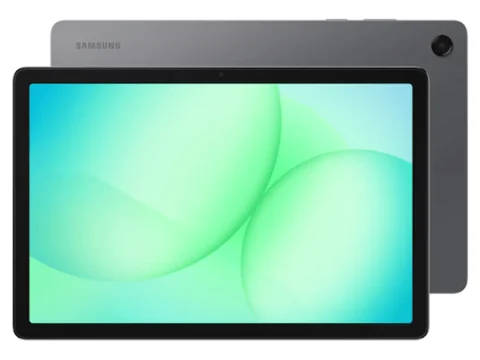 Samsung
 Galaxy Tab A11+ Wi-Fi 11" Octa-Core 8GB 256GB 8.0MP Android Tablet – Grey
$609.00Including GSTAvailable to orderFree delivery $80+ -
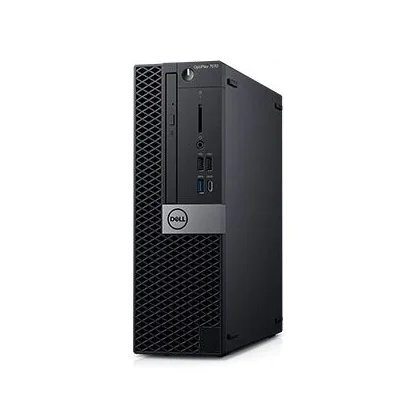 Dell
Dell Optiplex 7070 SFF i7, 8GB Ram, 256GB M.2 Win 10 Pro
$390.90Including GSTCurrently unavailableFree delivery $80+ -
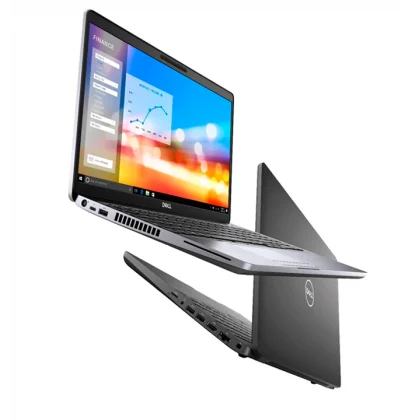 Dell
Dell Latitude 5500 Laptop, i5, 8GB Ram, 256GB M.2, Win 10 Pro
$357.90Including GSTCurrently unavailableFree delivery $80+ -
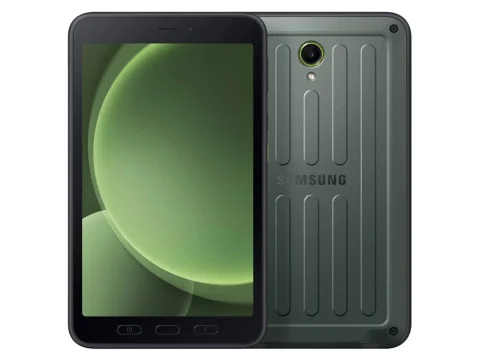 Samsung
 Galaxy Tab Active5 8" 120Hz S Pen 6GB 128GB WI-FI 5G 5050mAh Rugged Android Tablet - Green
$1,159.00Including GSTAvailable to orderFree delivery $80+