
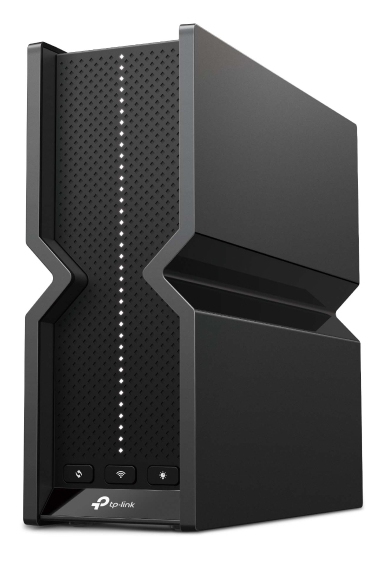
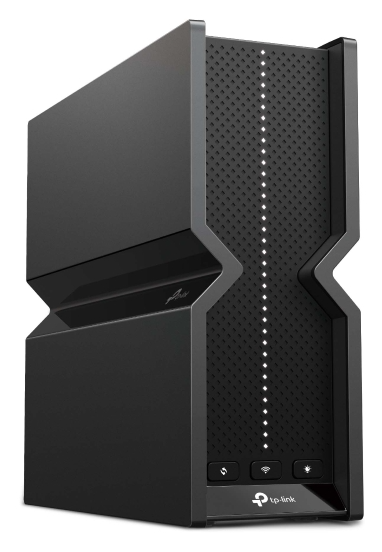
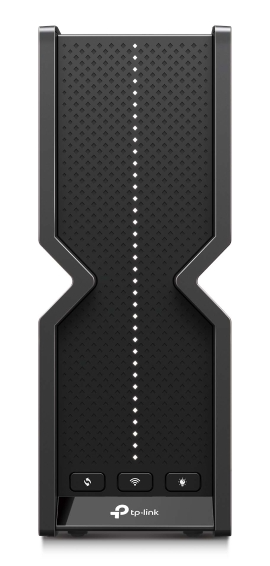
TP-Link Archer BE550 Wi-Fi 7 Router
$459.00
AUD · Including GST
Key features
Archer BE550 is a Wi-Fi 7 router with a multi-gigabit wired role in this range.
Available to order
Secure PayPal and card payment available at checkout.
Need advice? Contact the PCLINE team →
Is this the right choice for your setup?
Archer BE550 is a Wi-Fi 7 router with a multi-gigabit wired role in this range. Compare its WAN and LAN arrangement with the NAS and desktop connections you plan to use.
Where it fits
Plan the router around where people use the network, the internet handoff and the wired devices that need a connection. Place it away from obstructions before deciding whether an additional compatible node is necessary. A gaming label does not by itself reduce latency on an overloaded internet service.
Compatibility & setup
Confirm the provider’s modem or termination device, authentication and VLAN requirements. Check the WAN speed separately from Wi-Fi marketing rates. Mesh expansion requires supported models and firmware; sharing a brand or Wi-Fi generation does not prove mesh compatibility.
Need help matching your equipment? Ask PCLINE about this product.
Compare another option: ASUS RT-BE86U Wi-Fi Router. Check each configuration separately before choosing.
TP-Link Archer BE550 Wi-Fi 7 Router
Manufacturer model: ARCHER BE550.
Features & configuration
- W-iFi 7
- Wireless BE9300
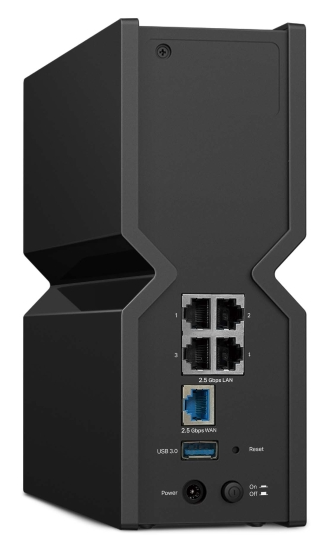
- 1x 2.5Gbe WAN Port
- 4x 2.5Gbe Ports
Product details
| Brand | TP-Link |
|---|---|
| Manufacturer model | ARCHER BE550 |
| Product type | Networking device |
| GTIN / barcode | 4895252500141 |
Before you order
Match the manufacturer model and configuration to your setup. Check the connection, compatibility and any required software or additional components. Contact PCLINE with your device model if you need help confirming compatibility.
Model & attributes
| Manufacturer model | ARCHER BE550 |
|---|
Product questions
What should I check when choosing TP-Link ARCHER BE550 Wi-Fi Router?
Archer BE550 is a Wi-Fi 7 router with a multi-gigabit wired role in this range. Compare its WAN and LAN arrangement with the NAS and desktop connections you plan to use.
Can I remove my existing modem or termination box?
Only if the new device supports the service’s required connection. Check the ISP handoff and any voice-service requirements first.
Can I add any same-brand device as a mesh node?
No. Check the supported mesh family, models and firmware before ordering extra units.
Related products
-
 Ubiquiti
 UniFi U6 Pro Wireless Access Point
$289.00Including GSTAvailable to orderFree delivery $80+ -
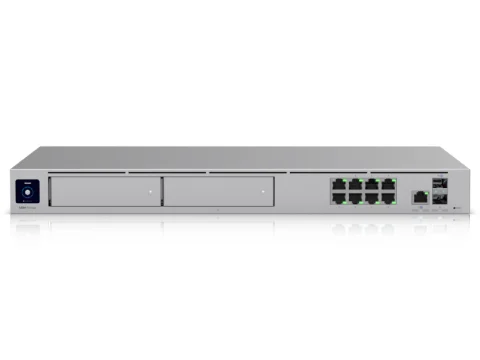 Ubiquiti
 Dream Machine Pro Max Cloud Gateway
$1,109.00Including GSTAvailable to orderFree delivery $80+ -
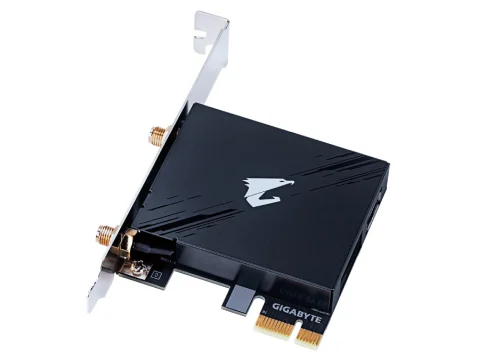 Gigabyte
 Tri-band Wi-Fi 7 Bluetooth 5.3 PCI Express Adapter
$85.00Including GSTAvailable to orderFree delivery $80+ -
 Ubiquiti
 UniFi U7 Pro XGS WiFi 7 Multi-Gigabit Ceiling-Mounted Access Point
$539.00Including GSTAvailable to orderFree delivery $80+