
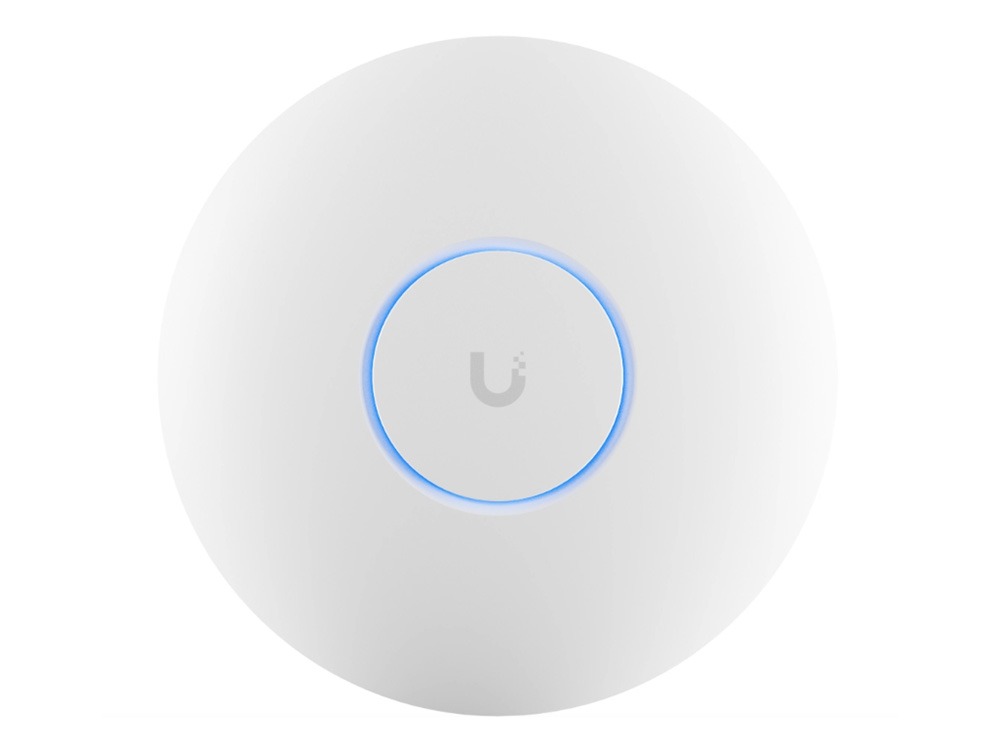
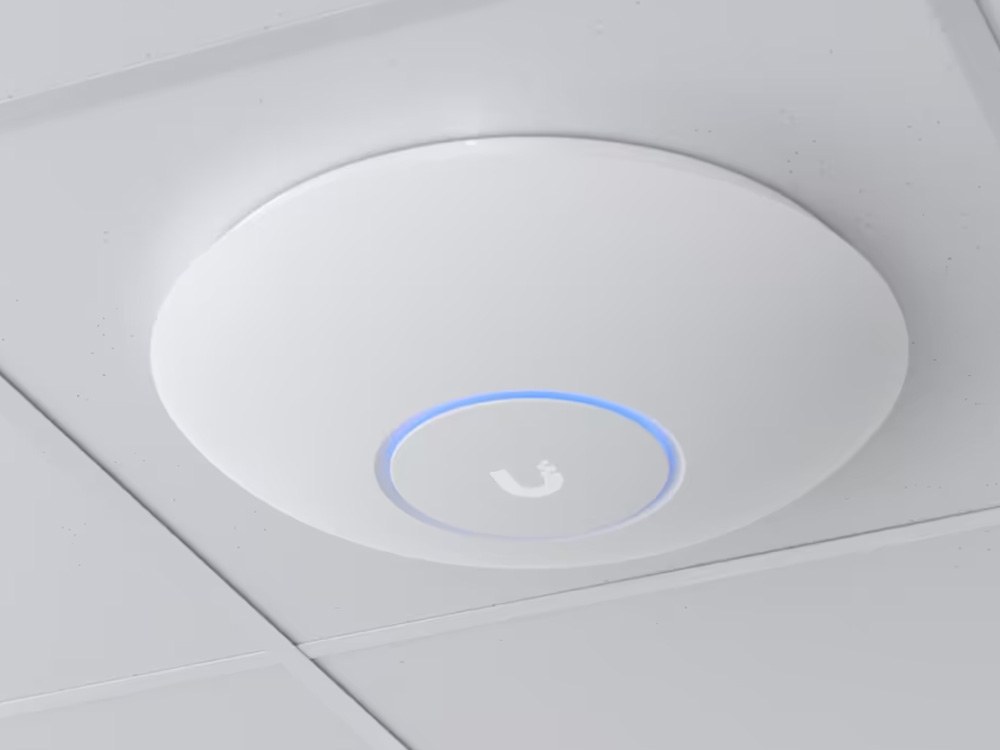
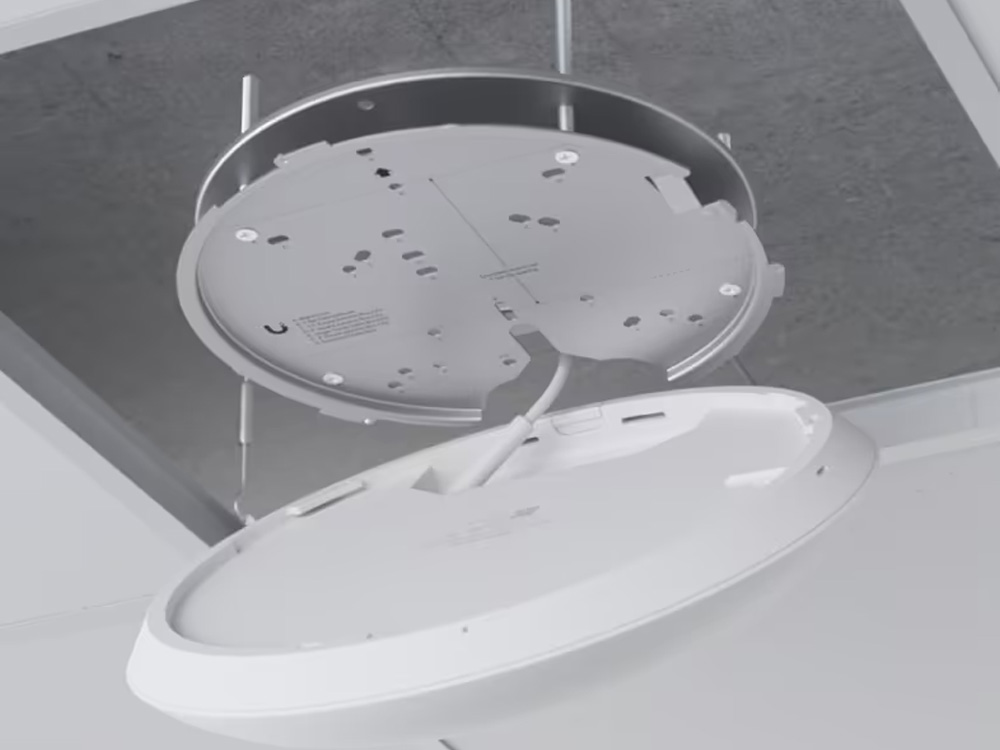
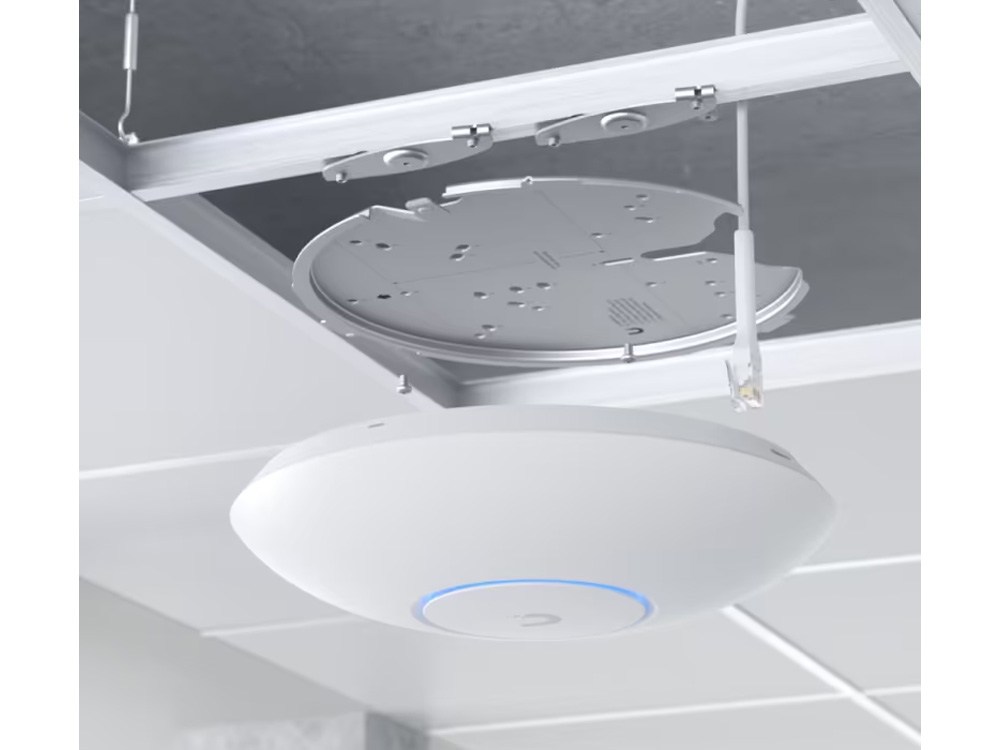
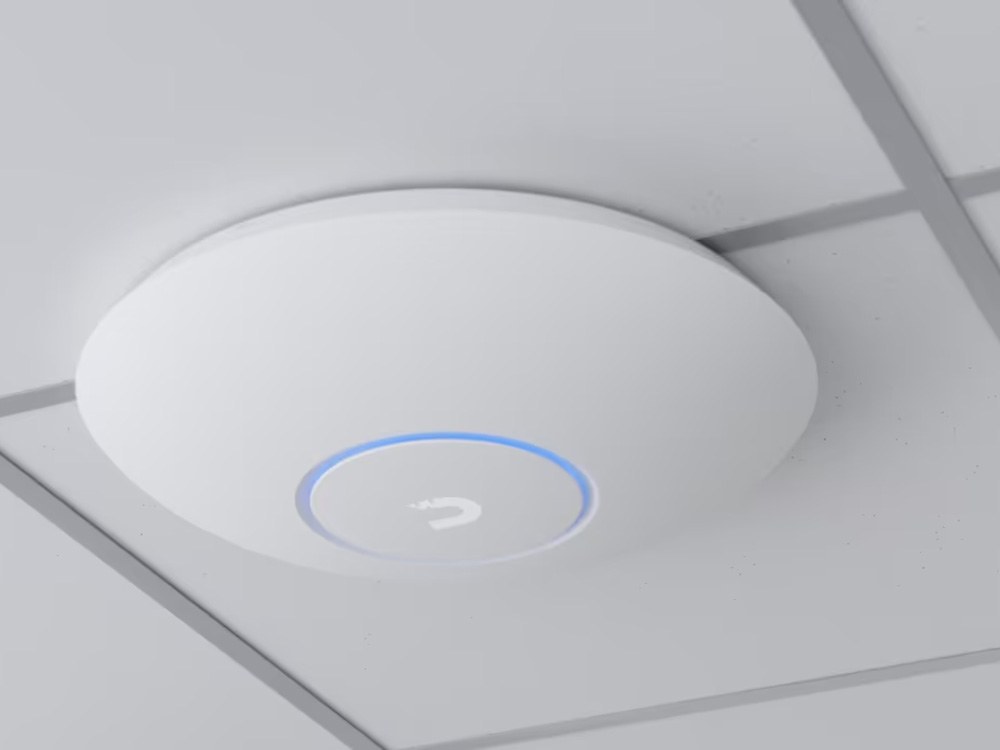
Ubiquiti U7 Pro Max WiFi 7 Access Point
$489.00
AUD · Including GST
Key features
U7 Pro Max is a Wi-Fi 7 access-point choice for a managed network.
Available to order
Secure PayPal and card payment available at checkout.
Need advice? Contact the PCLINE team →
Is this the right choice for your setup?
U7 Pro Max is a Wi-Fi 7 access-point choice for a managed network. Check the uplink, PoE supply and client capabilities when comparing it with other U7 models.
Where it fits
Place an access point near the area that needs coverage while planning a reliable path back to the network. It can suit an office, meeting room or a house with Ethernet cabling, where locating Wi-Fi separately from the internet gateway is useful.
Compatibility & setup
Keep a suitable router or gateway for internet routing. Confirm the exact PoE or DC power requirements, supplied accessories and controller support. Wi-Fi link rates are not guaranteed transfer speeds. A wall-plate, ceiling or outdoor form factor must match the mounting location and environmental requirements.
Need help matching your equipment? Ask PCLINE about this product.
Compare another option: Ubiquiti U7-PRO-XGS Access Point. Check each configuration separately before choosing.
Manufacturer guidance: Ubiquiti power compatibility guidance
Ubiquiti U7 Pro Max WiFi 7 Access Point
Key features
- WiFi 7
- 8 Spatial Streams
- 2.5 GbE uplink
Manufacturer model: U7-PRO-MAX
Specifications
| Wi-Fi Speed | BE10000 |
|---|---|
| Mechanical | / |
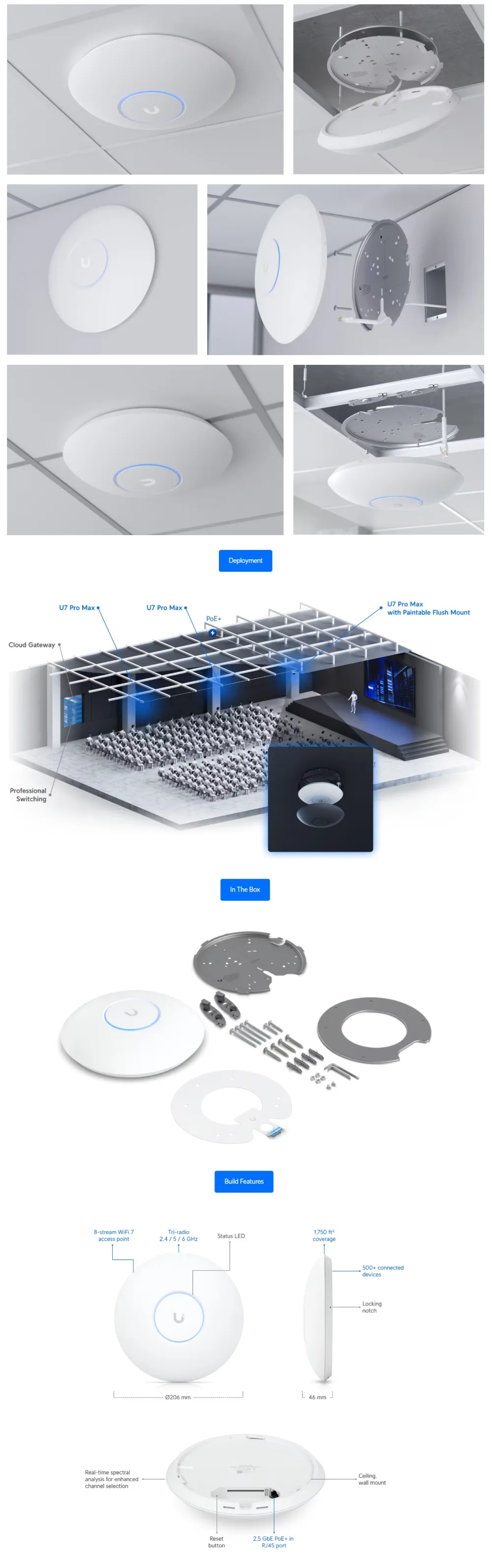
| Dimensions | Ø206 x 46 mm (Ø8.1 x 1.8") / |
| Weight | 680 g (1.5 lb) / |
| Enclosure material | Polycarbonate, aluminum / |
| Mount material | Stainless steel (SUS304), galvanized steel (SGCC) / |
| Hardware | / |
| Networking interface | (1) 1/2.5 GbE RJ45 port / |
| Management interface | Ethernet / |
| Power method | PoE+ / |
| Power supply | UniFi PoE switch / |
| Supported voltage range | 44—57V DC / |
| Max. power consumption | 25W / |
| Max. TX power | / |
| 2.4 GHz | 23 dBm / |
| 5 GHz | 29 dBm / |
| 6 GHz | 23 dBm / |
| MIMO | / |
| 2.4 GHz | 2 x 2 (DL/UL MU-MIMO) / |
| 5 GHz | 4 x 4 (DL/UL MU-MIMO) / |
| 6 GHz | 2 x 2 (DL/UL MU-MIMO) / |
| Max. data rate | / |
| 2.4 GHz | 688 Mbps (BW40) / |
| 5 GHz | 8.6 Gbps (BW240) / |
| 6 GHz | 5.7 Gbps (BW320) / |
| Antenna gain | / |
| 2.4 GHz | 4 dBi / |
| 5 GHz | 6 dBi / |
| 6 GHz | 5.9 dBi / |
| LEDs | White/blue / |
| Button | Factory reset / |
| Mounting | Wall, ceiling (Included) / |
| Ambient operating temperature | -30 to 60° C (-22 to 140° F) / |
| Ambient operating humidity | 5 to 95% noncondensing / |
| Certifications | CE, FCC, IC / |
| Software | / |
| WiFi standards | 802.11a/b/g/n/ac/ax/be (WiFi 6/6E, WiFi 7) / |
| Wireless security | WPA-PSK, WPA-Enterprise (WPA/WPA2/WPA3/PPSK) / |
| BSSID | 8 per radio / |
| VLAN | 802.1Q / |
| Advanced QoS | Per-user rate limiting / |
| Guest traffic isolation | Supported / |
| Concurrent clients | 500+ / |
| Supported Data Rates | / |
| 802.11a | 6, 9, 12, 18, 24, 36, 48, 54 Mbps / |
| 802.11b | 1, 2, 5.5, 11 Mbps / |
| 802.11g | 6, 9, 12, 18, 24, 36, 48, 54 Mbps / |
| 802.11n | 6.5 Mbps to 300 Mbps (MCS0 – MCS15, HT 20/40) / |
| 802.11ac | 6.5 Mbps to 1.7 Gbps (MCS0 – MCS9 NSS1/2, VHT 20/40/80/160) / |
| 802.11ax (WiFi 6/6E) | 7.3 Mbps to 4.8 Gbps (MCS0 – MCS11 NSS1/2/3/4, HE 20/40/80/160) / |
| 802.11be (WiFi 7) | / |
| 5 GHz | 7.3 Mbps to 8.6 Gbps (MCS0 – MCS13 NSS1/2/3/4, EHT 20/40/80/160/240) / |
| 6 GHz | 7.3 Mbps to 5.7 Gbps (MCS0 – MCS13 NSS1/2, EHT 20/40/80/160/240/320) / |
| Application Requirements | / |
| UniFi Network | Version 8.2.93 and later / |
Product overview
Product questions
What should I check when choosing Ubiquiti U7-PRO-MAX Access Point?
U7 Pro Max is a Wi-Fi 7 access-point choice for a managed network. Check the uplink, PoE supply and client capabilities when comparing it with other U7 models.
What power equipment do I need?
Check the exact model’s PoE standard or DC supply requirements and whether the required supply is included.
Will every mesh system adopt this access point?
No. Match the management and mesh ecosystem as well as the hardware generation.
Related products
-
 Ubiquiti
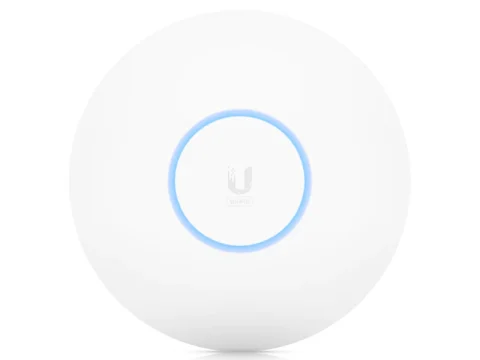
 UniFi U6 Pro Wireless Access Point
$289.00Including GSTAvailable to orderFree delivery $80+ -
 Ubiquiti
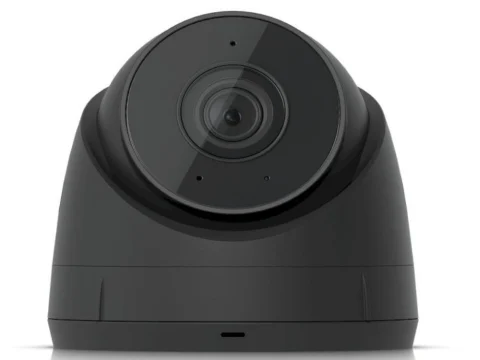
 UniFi G5 Turret Ultra Weatherproof 2K HD PoE Camera - Black
$204.00Including GSTAvailable to orderFree delivery $80+ -
 Ubiquiti
 PoE+ 30W Gigabit LAN Adapter - White
$55.00Including GSTAvailable to orderFree delivery $80+ -
 Ubiquiti
 UniFi U7 Pro XGS WiFi 7 Multi-Gigabit Ceiling-Mounted Access Point
$539.00Including GSTAvailable to orderFree delivery $80+