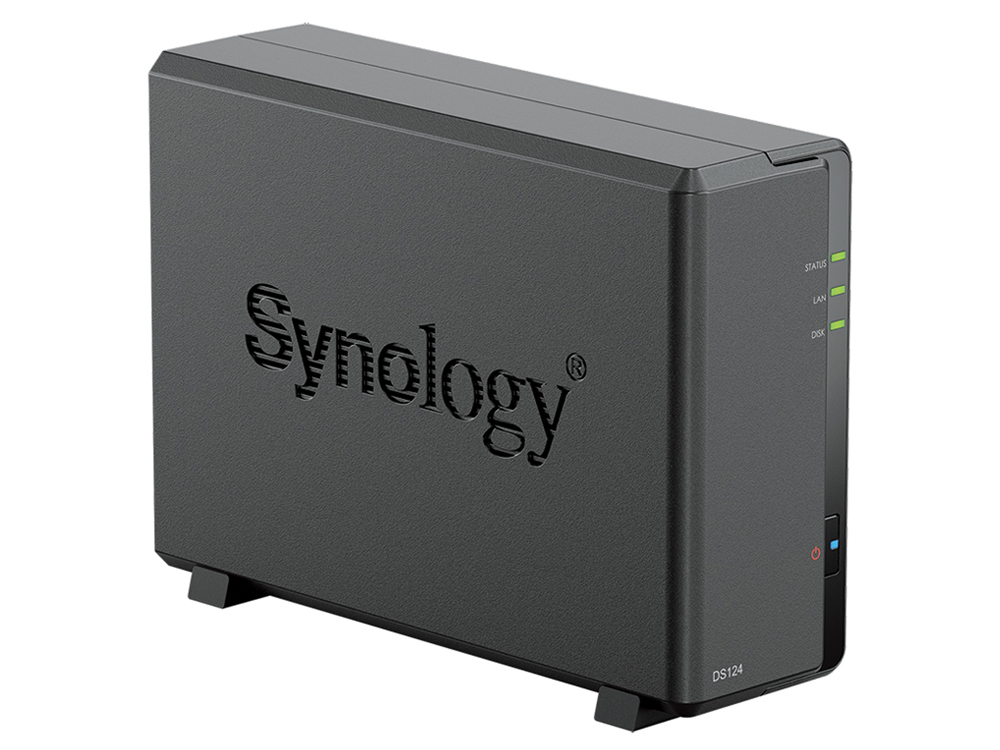
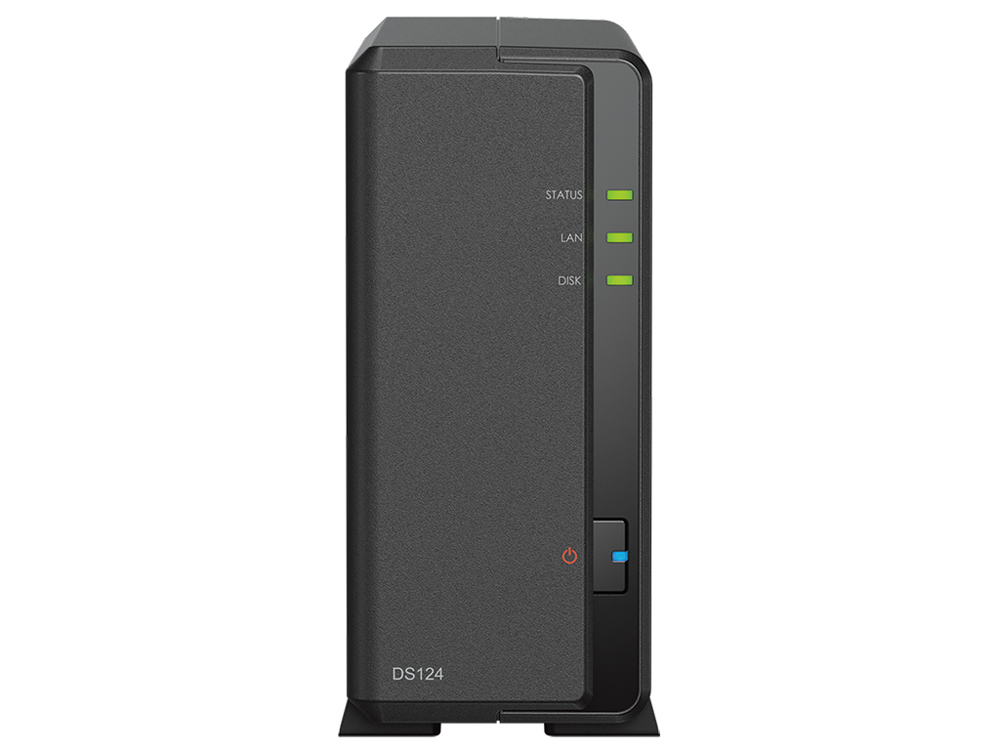
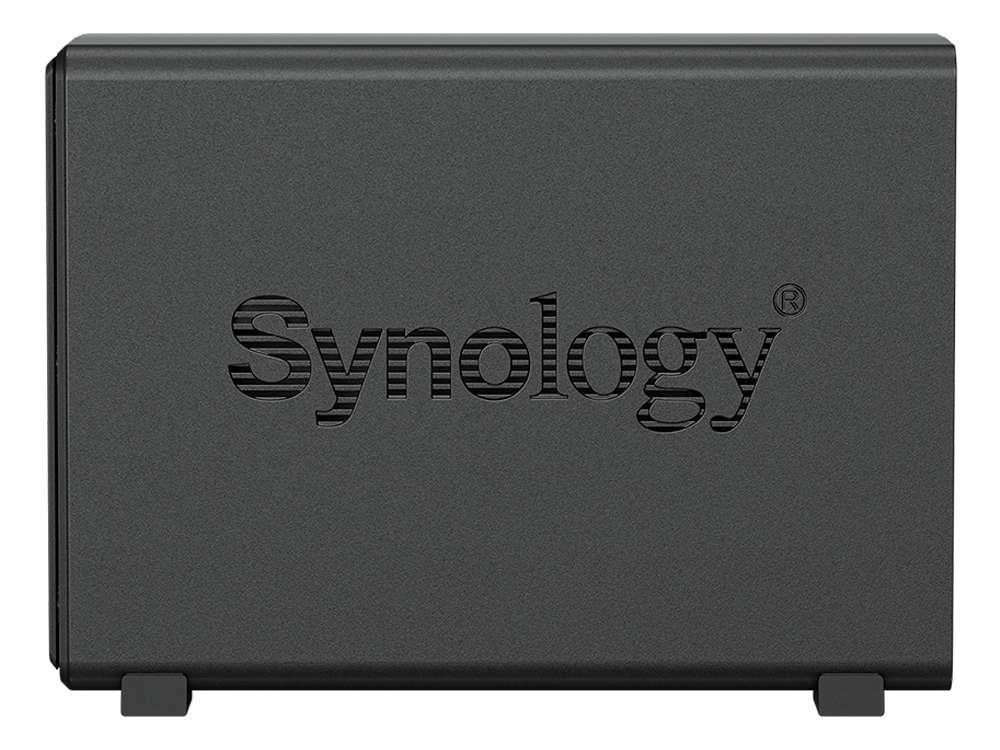
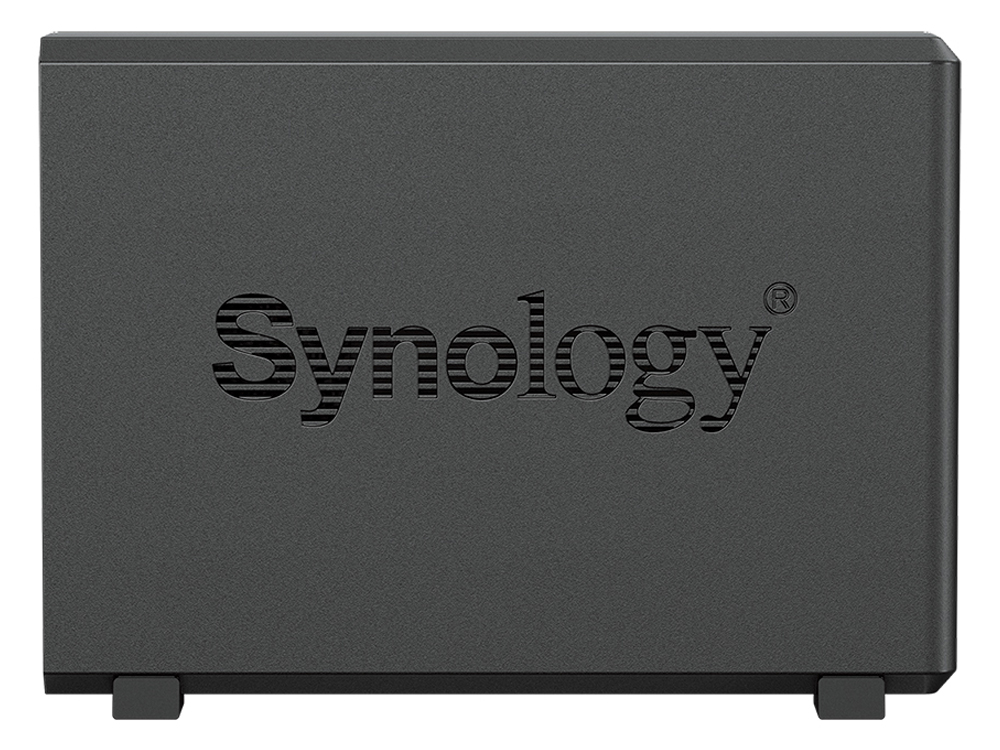
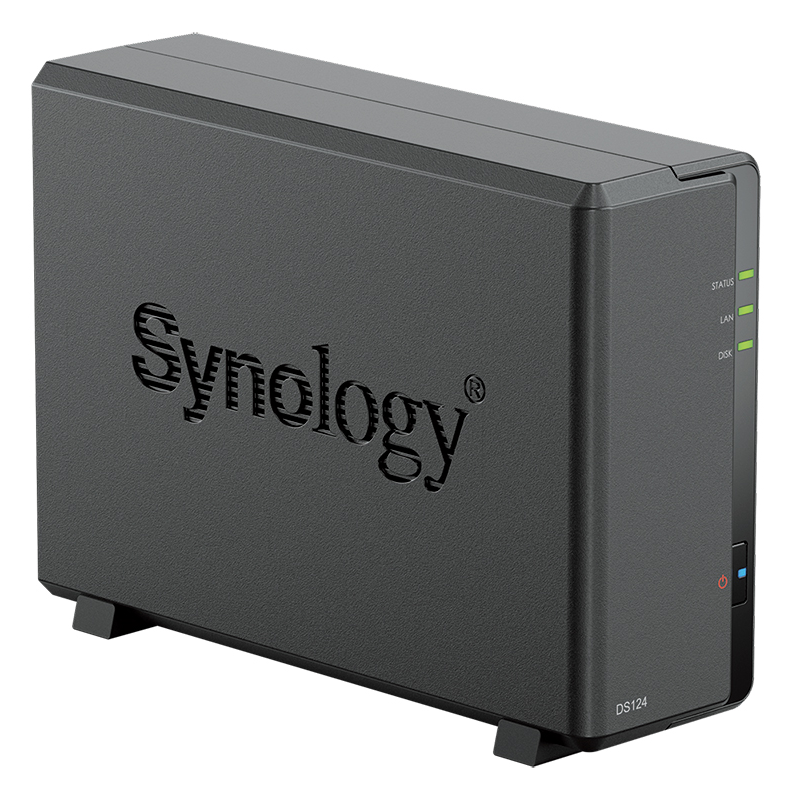
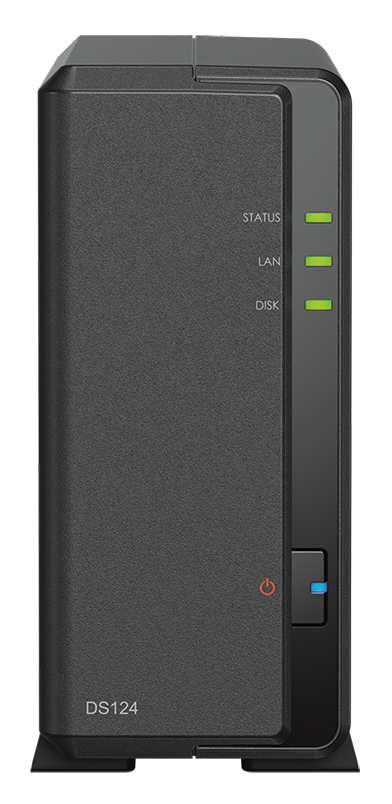
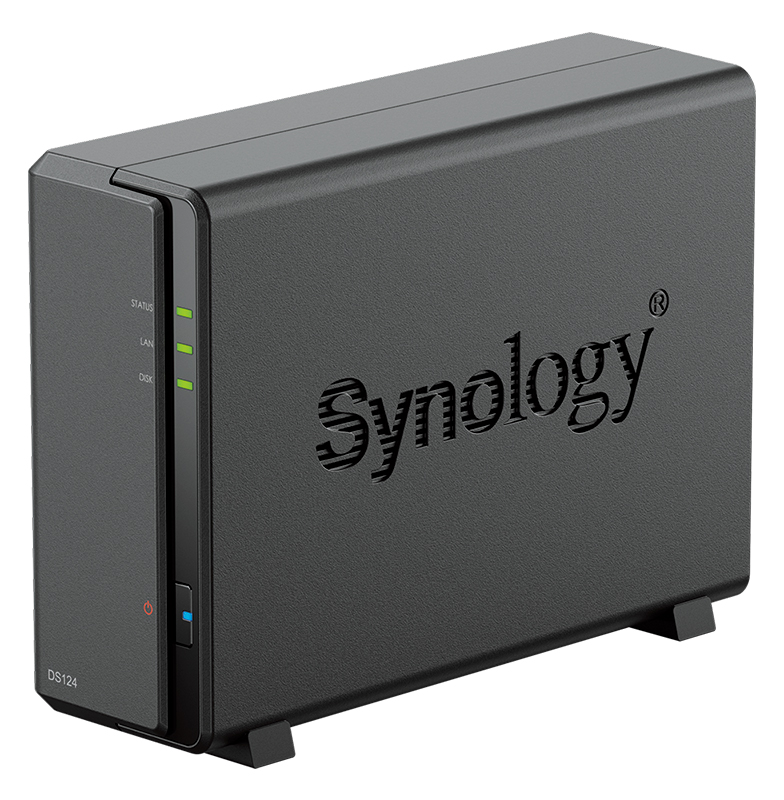
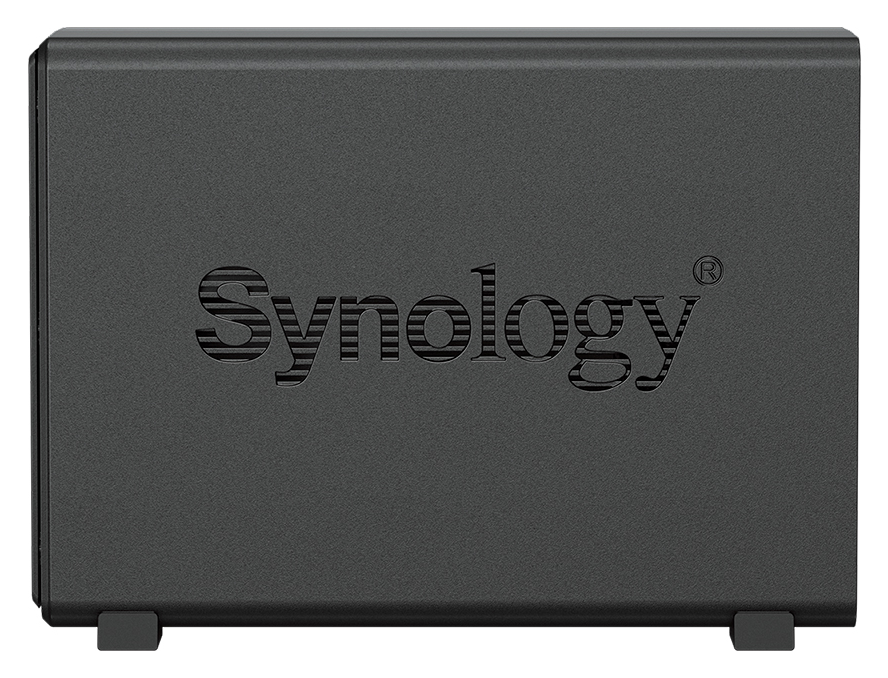
Synology DiskStation DS124 Quad-core 1GB RAM 1-Bay NAS
$249.00
AUD · Including GST
Key features
DS124 is a single-bay Synology option for a small central file library.
Available to order
Secure PayPal and card payment available at checkout.
Need advice? Contact the PCLINE team →
Is this the right choice for your setup?
DS124 is a single-bay Synology option for a small central file library. There is no second main drive for mirroring, so an independent backup should be planned from the start.
Where it fits
Plan a shared file library around the people using it, the size of working files and the recovery time you can tolerate. Decide who can read or change folders before moving business data. Keep a separate backup and test restoring a sample file.
Compatibility & setup
Unless the listing explicitly includes storage drives, budget for compatible drives separately. Check the exact enclosure and drive models in the manufacturer’s current compatibility documentation. Drive bays, M.2 sockets and USB ports serve different purposes; do not assume every SSD can become a storage pool. Usable capacity depends on the drives and storage layout. Network upgrades need matching adapters, switching and cabling.
Need help matching your equipment? Ask PCLINE about this product.
Compare another option: Synology DS223 2-Bay NAS. Check each configuration separately before choosing.
Manufacturer guidance: Synology compatibility guidance
Synology DiskStation DS124 Quad-core 1GB RAM 1-Bay NAS
Key features
- 1-Bay
- Quad-core
- 1GB RAM
Manufacturer model: DS124
Specifications
| Drive Bays | 1-Bay |
|---|---|
| Rackmount | No |
Product overview
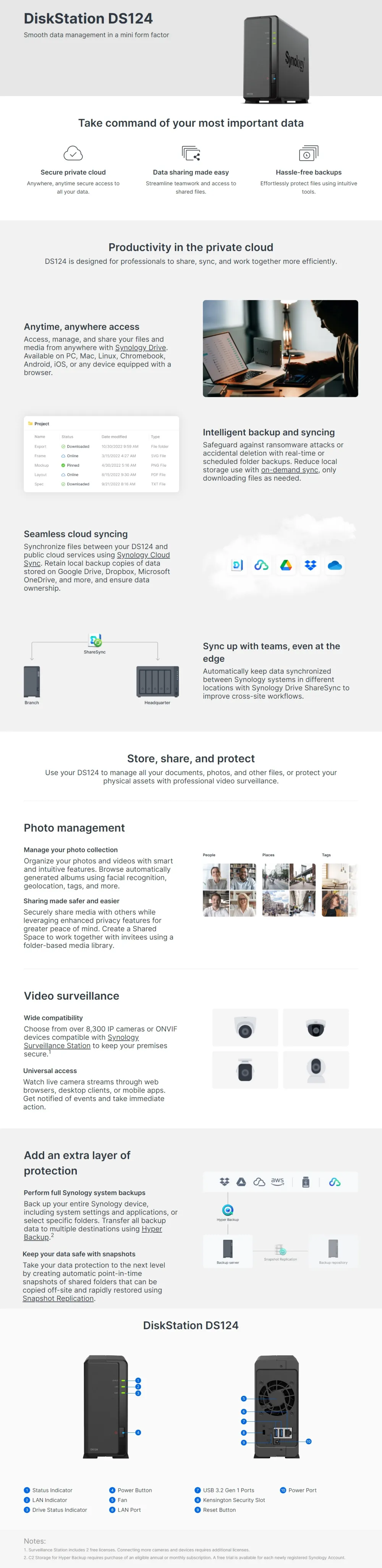
Product configuration
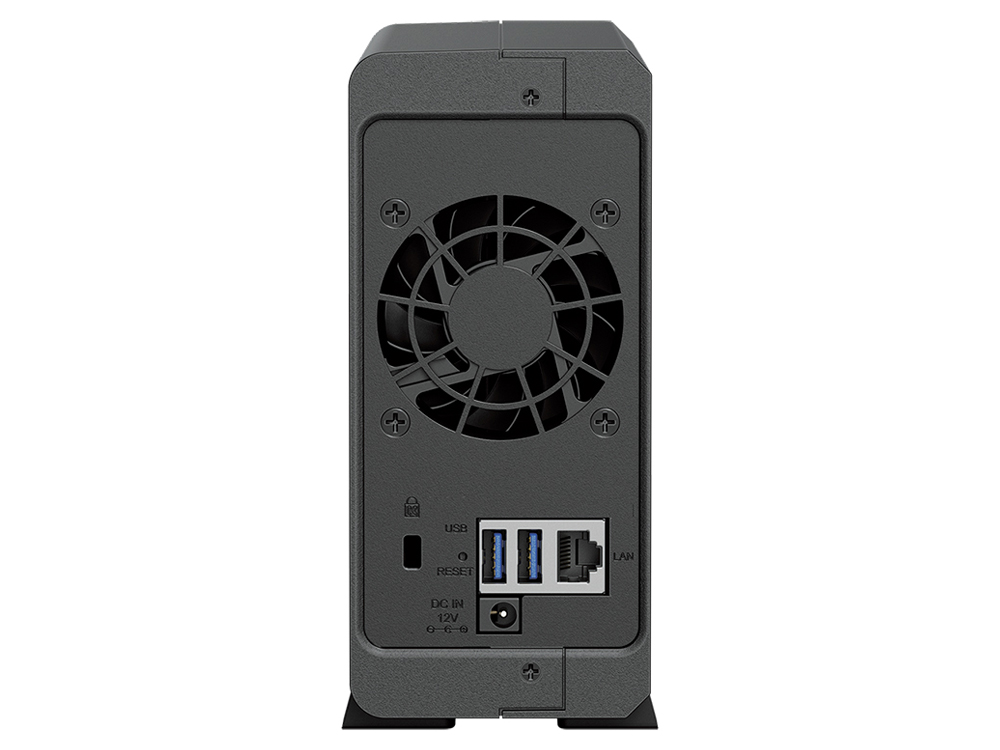
- 3.5/2.5-inch SATA (0/1)
- Realtek RTD1619B 1.7GHz
- 1GB RAM onboard
- 1x GbE RJ45
- 2x USB-A 3.2 Gen1
Model & attributes
| Manufacturer model | DS124 |
|---|
Product questions
Where does Synology DS124 1-Bay NAS fit in a storage plan?
DS124 is a single-bay Synology option for a small central file library. There is no second main drive for mirroring, so an independent backup should be planned from the start. Keep an independent backup of important files.
How should I choose storage drives?
Match the enclosure model, drive interface, capacity and firmware to the current manufacturer compatibility list before ordering.
Will a faster NAS improve every computer’s transfers?
The slowest part of the network path, the storage layout and the workload can limit speed. Check the client and switch as well as the NAS.
Related products
-
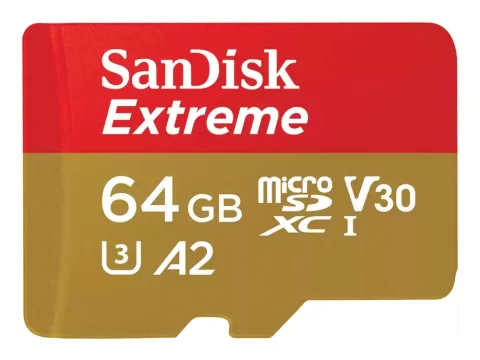 SanDisk
 Extreme 64GB V30 U3 A2 microSDXC UHS-I Card
$49.00Including GSTAvailable to orderFree delivery $80+ -
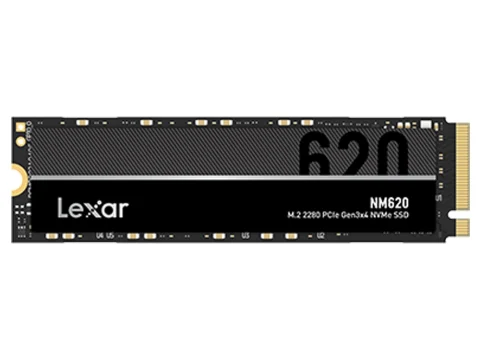 Lexar
Lexar LNM620 512GB M.2 2280 PCIe Gen3 NVMe SSD
$115.00Including GSTAvailable to orderFree delivery $80+ -
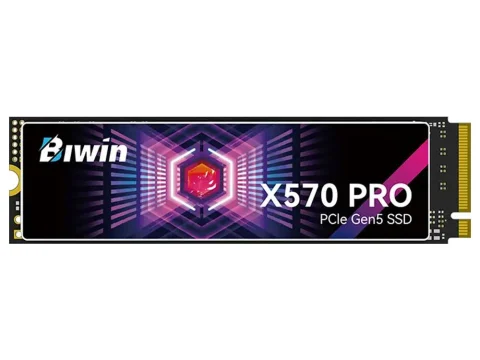 BIWIN
BIWIN Black Opal X570 PRO 8TB M.2 NVMe PCIe 5.0 SSD
Original price was: $2,009.00.$1,999.00Current price is: $1,999.00.Including GSTAvailable to orderFree delivery $80+ -
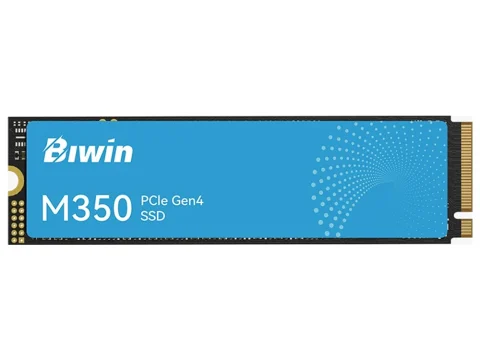 BIWIN
BIWIN M350 500GB NVMe PCIe 4.0 M.2 2280 SSD
$99.00Including GSTAvailable to orderFree delivery $80+